
Import your plan
Start with an SA plan image, a CRCD4 file or an SA text export.Start with an SA plan image or a CRCD4 file.
From plan to field
RunLine connects preparation in your browser with a full-scale course on your field.
Start with an SA plan image, a CRCD4 file or an SA text export.Start with an SA plan image or a CRCD4 file.
Explore distances and equipment. Review the result and save the course with your account.
With Meta Quest 3 or 3S, place the virtual course on your real field. Align it and walk your handling lines.
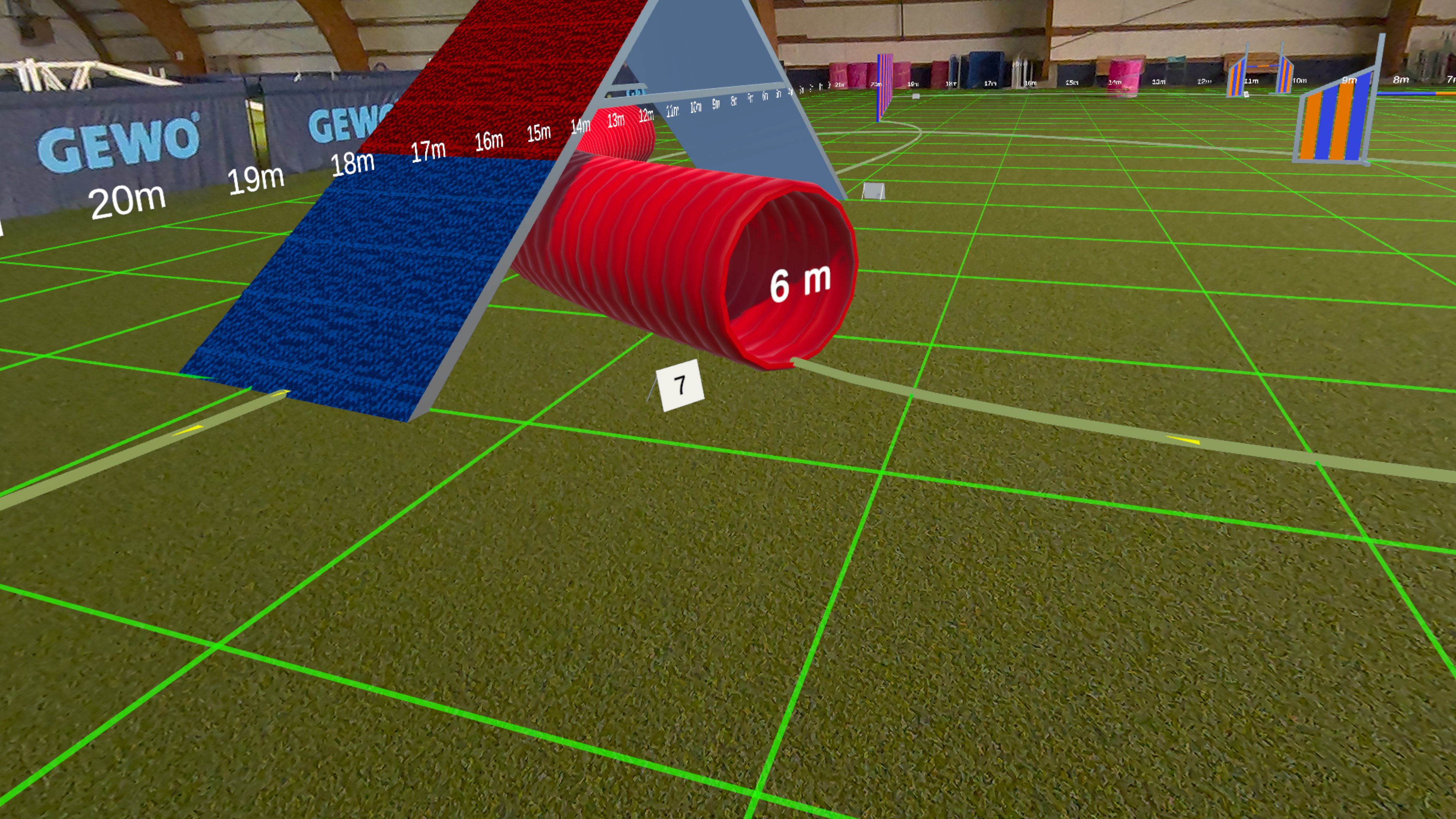 Actual capture from the app
RUNLINE ON META QUEST
See obstacle positions and distances right where you will train.
The headset comes later. Your account is useful for preparation in your browser, too.
An image export or screenshot from Smarter Agility. Choose your image or paste it from your clipboard.
Import imageYour design from Clean Run Course Designer 4. Import the .agl file directly.
Import fileCopy the text export from Smarter Agility. Paste it here or choose the saved text file.
Paste textLink your SA Pro account to sync your designs automatically.